
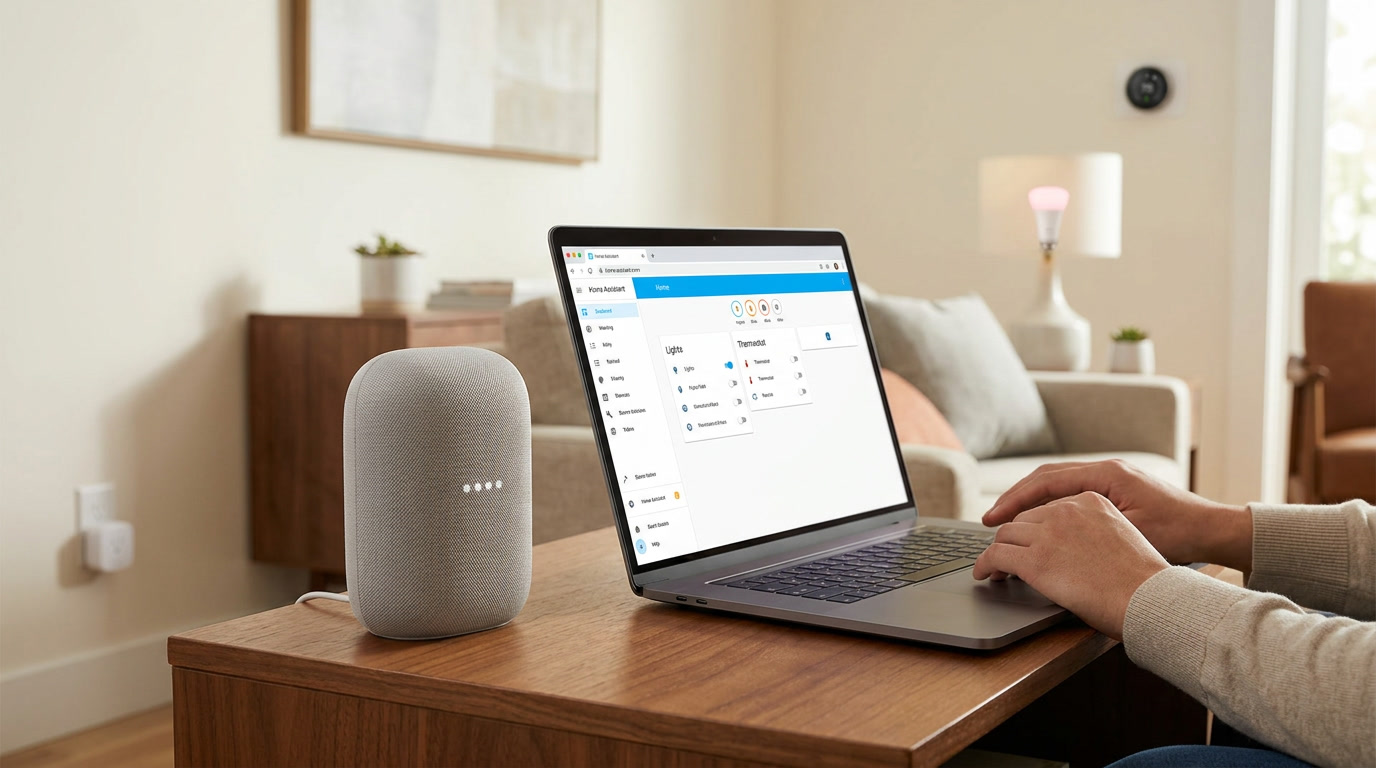
My household ended up with Google Home almost by accident. A relative gifted us a smart speaker for a holiday, and rather than let it sit disconnected in a drawer, I decided to properly integrate it with the Home Assistant setup I had already been building for months. What started as a mild obligation turned into one of the more genuinely useful additions to our daily routine, but only after I moved past the initial connection and actually thought through how voice control should fit into a household with more than one person using it.
This tutorial walks through the full setup process, along with the practical decisions that determine whether Google Home ends up feeling like a genuine extension of your smart home solution or just a slightly gimmicky speaker that gets used for weather checks and nothing else.
Why Google Home Integration Is Worth the Effort
Before getting into setup steps, it is worth being honest about what this integration actually adds. A well-configured Home Assistant dashboard already gives you full control over your devices, so voice control is not solving a fundamental gap — it is solving a convenience gap in specific, recurring situations. Cooking with messy hands, settling into bed without wanting to reach for a phone, or simply preferring a spoken command over navigating a screen are all moments where voice control genuinely earns its place.
For households with children, elderly family members, or anyone less comfortable navigating apps, Google Home integration also meaningfully lowers the barrier to participating in your smart home solution. Nobody needs to learn a dashboard layout to say “turn off the kitchen lights.”
Understanding How the Connection Actually Works
Google Home integration with Home Assistant typically relies on a cloud-based bridge, since Google’s smart home platform requires devices to be reachable through its own cloud infrastructure to process voice commands from its servers. This is somewhat different from local protocols like Zigbee, where your devices communicate directly with your Home Assistant server without any external service involved.
Understanding this distinction matters practically, since it means the voice control layer specifically depends on your internet connection functioning correctly, even if the underlying devices themselves would otherwise work perfectly fine locally. Your lights and switches remain fully functional through your dashboard or physical controls during an internet outage — it is specifically the voice command layer that becomes temporarily unavailable in that scenario.
Choosing Your Connection Method
Similar to other major voice assistant integrations, there are generally a couple of paths for connecting Home Assistant with Google Home. A subscription-based cloud service designed specifically to bridge Home Assistant securely with major voice platforms handles much of the technical complexity on your behalf, making it the more approachable option for most households, particularly anyone newer to self-hosted smart home platforms.
A more manual, self-hosted approach exists as well, giving you direct control over exactly how your Home Assistant instance is exposed to Google’s systems, but this requires meaningfully more technical comfort with network configuration and security concepts, since you are directly managing external access points into your home network.
For the vast majority of households, I genuinely recommend starting with the simpler, managed approach. The convenience and reduced security risk of letting a purpose-built service handle this complexity is, in my honest opinion, worth far more than the modest cost savings of the fully manual route, especially for anyone still building foundational comfort with their overall smart home solution.
Starting the Actual Setup Process
Within Home Assistant, you will begin by selecting which specific entities you want to expose to Google Home, rather than automatically exposing your entire device inventory. This deliberate selection process is worth genuine thought rather than rushing through, since every exposed entity becomes something Google’s voice assistant can potentially control or query.
I recommend starting conservatively, exposing only your most commonly used devices initially, and expanding gradually as you get a feel for which voice commands actually fit naturally into your daily routine. It is far easier to add more entities later than to untangle a cluttered, confusing voice control experience built by exposing everything at once from the very beginning.
Within the Google Home app on your phone, you will search for and link the corresponding integration, authenticate your account, and then run a device sync to pull in your exposed entities. This process is generally quick, though the first sync after any subsequent changes to your exposed entity list needs to be manually triggered again, since new devices do not automatically appear without this step.
Renaming Devices for Commands That Actually Work
This is genuinely one of the most impactful, yet most commonly overlooked steps in the entire process. Google’s voice recognition works considerably better with natural, conversational device names than with technical, hyphenated identifiers that might work perfectly fine on a visual dashboard but sound awkward or become entirely unrecognizable when spoken aloud.
Before exposing entities, take the time to rename them using language you would actually say in a normal sentence. “Kitchen Light” works far more reliably than a manufacturer’s internal product code. I learned this only after repeatedly mispronouncing an awkwardly named entity and becoming genuinely frustrated with a voice assistant that was, in reality, working exactly as designed — it simply could not recognize a name no reasonable person would naturally say out loud.
Organizing Devices Into Rooms Within Google Home
Beyond individual device names, Google Home allows you to organize devices into rooms, which enables considerably more natural, efficient voice commands. Rather than addressing three separate living room lights individually, assigning them all to a “Living Room” grouping allows a single command like “turn off the living room” to control every light in that group simultaneously.
This room-based organization mirrors how most people naturally think about their homes anyway, and setting it up thoughtfully during initial setup saves considerable frustration compared to retrofitting a disorganized device list later, once dozens of entities have already accumulated without any clear structure.
Building Routines for Real Daily Moments
Google Home’s routine feature allows a single spoken phrase to trigger a more complex sequence of actions, effectively linking directly into automations you have already built within Home Assistant. Saying “I’m leaving” could simultaneously lock doors, turn off lights throughout the house, and adjust your thermostat to an away setting, all through one voice command rather than several separate individual instructions.
This is genuinely where the integration transitions from a novelty into something that meaningfully simplifies daily life. I would encourage building routines around actual recurring moments in your household’s real routine — leaving for work, arriving home, winding down for bed — rather than simply exposing every device for isolated, one-off voice control without any broader structure tying them together.
Handling Security-Sensitive Devices Thoughtfully
Not every device belongs in a voice-controllable category, and this deserves deliberate consideration rather than being an afterthought. Door locks are the clearest example, since a voice command alone being sufficient to unlock a door creates an obvious security concern, particularly since anyone within earshot of a smart speaker, including a stranger near an open window, could potentially issue that same command.
Google Home supports requiring an additional spoken PIN specifically for sensitive actions like unlocking, which provides a reasonable middle ground between genuine convenience and meaningful security. Taking the time to review exactly which devices you expose, and configuring appropriate safeguards for anything genuinely sensitive, is a step worth prioritizing rather than skipping in the rush to get basic voice control working.
Troubleshooting Common Google Home Issues
A handful of recurring problems account for the vast majority of frustration people experience with this particular integration.
A command isn’t recognized correctly. This almost always traces back to an awkward entity name rather than a fundamental technical problem. Renaming the specific entity with simpler, more natural language and re-running device sync typically resolves this quickly.
A newly added device doesn’t appear in Google Home. Remember that new entities require both explicit exposure within Home Assistant and a manually triggered sync afterward. Neither step happens automatically without your involvement.
Commands work for some household members but not others. This is often related to individual voice recognition profiles within Google’s system rather than anything related to Home Assistant itself, and typically requires each household member to complete their own voice training within the Google Home app.
Response delays feel longer than expected. Some processing delay is inherent to any cloud-based voice command, but consistently long delays are worth investigating specifically in terms of your home’s internet connection stability, since this integration layer depends more heavily on connectivity than your locally functioning devices do.
Maintaining the Integration as Your System Grows
As you continue expanding your broader smart home solution with new devices over time, periodically revisiting your exposed entity list and testing common voice commands helps catch small inconsistencies before they accumulate into genuine frustration. I treat this as a light, occasional check-in rather than something requiring constant attention, similar to periodically checking smoke detector batteries — a few minutes every couple of months keeps the entire voice control layer feeling reliably in sync with your actual devices.
To Sum Up
Connecting Home Assistant to Google Home is a genuinely approachable process, but the real difference between a setup that technically functions and one that feels like a natural extension of daily life comes down to thoughtful device naming, deliberate room organization, and routines built around actual recurring moments rather than isolated device control. Take the extra time upfront to get these details right, and voice control will become a feature your entire household genuinely relies on, rather than something that gets demonstrated once for guests and then quietly forgotten.