
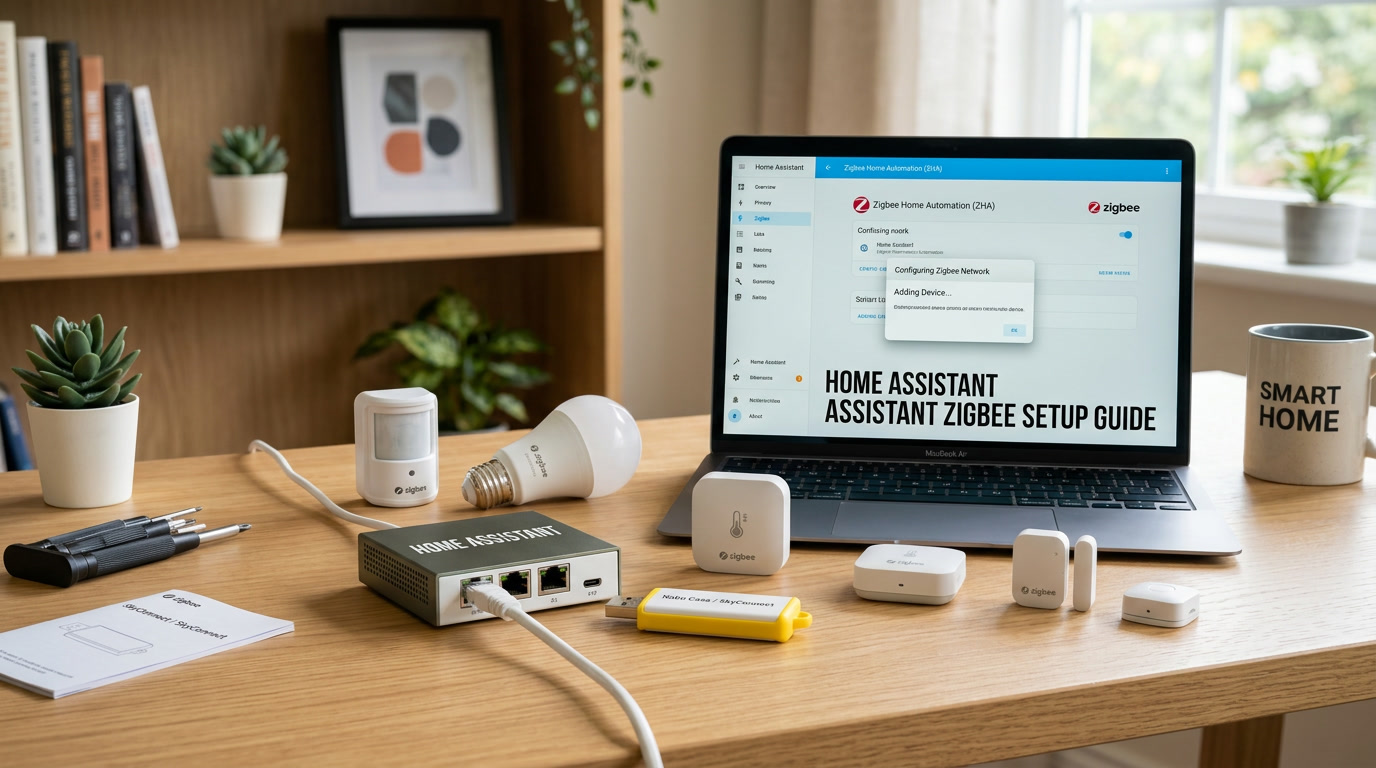
My first Zigbee coordinator sat in a USB port directly behind my Home Assistant server, which happened to be tucked inside a metal media cabinet, surrounded by a router, a game console, and about a dozen cables. For two weeks, I genuinely believed Zigbee was simply an unreliable technology, because devices kept dropping offline and new ones refused to pair reliably. The actual problem, it turned out, was that I had built the least Zigbee-friendly environment physically possible without realizing it. Once I moved the coordinator just a few feet away using a simple USB extension cable, almost every single issue disappeared overnight.
I share that story because most Zigbee setup guides online focus purely on the technical steps and skip the practical, real-world lessons that actually determine whether your setup works smoothly or fights you constantly. This guide covers both, so you can build a reliable Zigbee foundation for your smart home solution without repeating my early mistakes.
Why Zigbee Is Worth Setting Up in the First Place
Before diving into setup steps, it is worth understanding why so many experienced users eventually gravitate toward Zigbee devices for a meaningful chunk of their smart home solution. Unlike Wi-Fi devices, which each individually connect to your router and can quietly overload a busy home network, Zigbee devices form their own dedicated low-power mesh network, communicating with each other and relaying signals between devices rather than each one demanding a direct, resource-heavy connection to your router.
This has two major practical benefits. First, it keeps your primary Wi-Fi network free from dozens of additional connected devices competing for bandwidth. Second, Zigbee devices genuinely help each other out — every powered Zigbee device, like a smart plug or a light switch, can act as a signal repeater for battery-powered sensors elsewhere in your home, meaning your network actually gets more reliable as you add more devices, rather than more strained.
Choosing the Right Zigbee Coordinator
Everything starts with the coordinator, the small USB radio device that acts as the central communication hub for your entire Zigbee network. This single piece of hardware matters more than people initially expect, since a weak or poorly positioned coordinator will bottleneck your entire mesh, regardless of how many quality devices you eventually connect to it.
Look for a coordinator with good community documentation and active firmware support, since Zigbee standards and radio firmware do occasionally receive meaningful updates that improve range and reliability over time. Cheaper, generic coordinators sometimes work fine initially but can become a genuine headache down the road if community support dries up or firmware updates stop entirely.
I would also gently suggest avoiding the absolute cheapest option available if you are serious about building out a substantial smart home solution over the coming years. The price difference between a well-supported coordinator and a bargain-bin one is usually small, while the long-term reliability difference can be significant.
Physical Placement Matters More Than You Think
This is the lesson from my own story, and I want to make sure it does not get buried as a minor detail. Where you physically place your coordinator has an outsized impact on how reliably your entire Zigbee mesh performs.
Avoid placing the coordinator directly behind metal enclosures, inside cabinets packed with other electronics, or immediately adjacent to your Wi-Fi router. Metal blocks radio signals significantly, and other nearby wireless devices can create interference on overlapping frequencies. A simple, inexpensive USB extension cable, giving you just a few extra feet of placement flexibility, solves this problem for the vast majority of households without requiring any additional hardware investment.
If your Home Assistant server lives in a closet, a basement corner, or anywhere with limited open space around it, seriously consider extending your coordinator to a more central, open location in your home, even if that means running a slightly longer cable than feels necessary at first glance.
Setting Up the Zigbee Integration
Once your coordinator is connected and reasonably well positioned, adding Zigbee support to Home Assistant is a fairly guided process. You will add the relevant integration through your settings menu, where the system typically detects the connected coordinator automatically and walks you through basic confirmation steps.
During this initial setup, you will also choose your Zigbee channel. Most users can safely accept the recommended default, but if you already have a particularly congested Wi-Fi environment with many overlapping networks nearby, it is worth knowing that certain Zigbee channels overlap less with common Wi-Fi channels than others. A small amount of research specific to your router’s Wi-Fi channel can help you choose a Zigbee channel that avoids unnecessary interference from the very beginning.
Pairing Your First Devices
With the coordinator configured, pairing individual devices becomes a repeatable, fairly mechanical process. Most Zigbee devices enter pairing mode through a specific button press pattern or by simply powering on for the first time, though the exact method varies by manufacturer, so checking your specific device’s instructions saves guesswork.
Start with a device physically close to your coordinator for this first pairing attempt, even if that is not its intended permanent location. This removes range as a variable while you are still confirming that your coordinator itself is functioning correctly, and you can always relocate the device to its permanent spot immediately afterward.
Once a device successfully pairs, it will appear in your integration’s device list, typically ready for you to rename with something more human-friendly than its default technical identifier, and to assign to the appropriate room within your smart home solution.
Building a Genuinely Reliable Mesh Network
A single coordinator alone has limited range, but the real strength of Zigbee comes from the mesh network that forms as you add more powered devices. Each mains-powered Zigbee device — smart plugs, in-wall switches, plug-in bulbs — can act as a repeater, extending your effective coverage well beyond what your coordinator alone could reach.
This has a practical implication worth planning around: prioritize adding a few strategically placed, always-powered devices early in your setup process, even if they are not your most exciting purchases. A smart plug in a hallway or a central room, added specifically to strengthen your mesh, can dramatically improve the reliability of battery-powered sensors added later in more distant corners of your home.
I genuinely wish someone had explained this to me early on, since I spent my first month adding only battery-powered sensors in far-flung rooms, wondering why several of them struggled to maintain a stable connection, when the real fix was simply adding a couple of powered repeater devices along the way.
Troubleshooting Common Zigbee Pairing Problems
Even with good planning, pairing issues occasionally happen, and a few recurring causes explain most of them.
The device was previously paired elsewhere. Devices purchased secondhand, or previously used with a different hub, often retain old pairing data that prevents successful pairing with a new coordinator. A full factory reset, following the manufacturer’s specific instructions, clears this and provides a clean starting point.
Too many devices attempting to pair simultaneously. Pairing mode works far more reliably when you add devices one at a time rather than putting several into pairing mode simultaneously and hoping they all connect correctly. Patience here genuinely pays off.
Interference from nearby electronics. Microwaves, certain older cordless phones, and some Wi-Fi channels can create interference that specifically affects Zigbee’s frequency range. If pairing consistently fails in one particular area of your home, consider whether nearby electronics might be the underlying cause rather than the device itself.
Maintaining Your Zigbee Network Over Time
A Zigbee mesh is not entirely a “set it and forget it” system, though it requires far less ongoing attention than people sometimes assume. Occasionally checking your network map, a visual representation many integrations provide showing how devices connect to each other and to your coordinator, can help you spot weak links before they become genuinely frustrating problems.
If you notice a cluster of devices in one area of your home consistently showing weaker connections, adding a single additional powered repeater device nearby often resolves the issue more effectively than troubleshooting each individual sensor separately.
Firmware updates for your coordinator, when available, are also worth applying periodically, since these occasionally include genuine improvements to range, stability, or compatibility with newer device types entering the market.
Is Zigbee Worth the Extra Setup Effort?
Compared to simply buying Wi-Fi smart plugs and calling it done, Zigbee genuinely does require a bit more upfront thought: choosing a coordinator, considering placement, and understanding mesh network principles. For a household with only a handful of devices, this extra effort might not feel worthwhile.
But for anyone planning to genuinely expand their smart home solution over the coming years — adding sensors, switches, and battery-powered devices throughout an entire house — the investment in understanding Zigbee properly from the start pays off substantially. A well-planned mesh network scales gracefully as you add devices, while a poorly planned one accumulates frustrating connectivity issues that become progressively harder to diagnose the larger your system grows.
Final Thoughts
Zigbee is not complicated once you understand the handful of principles that actually matter: coordinator placement, mesh network reliability through powered repeater devices, and patient, one-at-a-time pairing. Most of the frustration people experience with Zigbee traces back to overlooking one of these fundamentals rather than any genuine flaw in the technology itself. Take the time to position your coordinator thoughtfully, add a few strategic powered devices early on, and pair new additions patiently, and you will end up with a Zigbee foundation for your smart home solution that genuinely gets more reliable, not less, as it grows.