
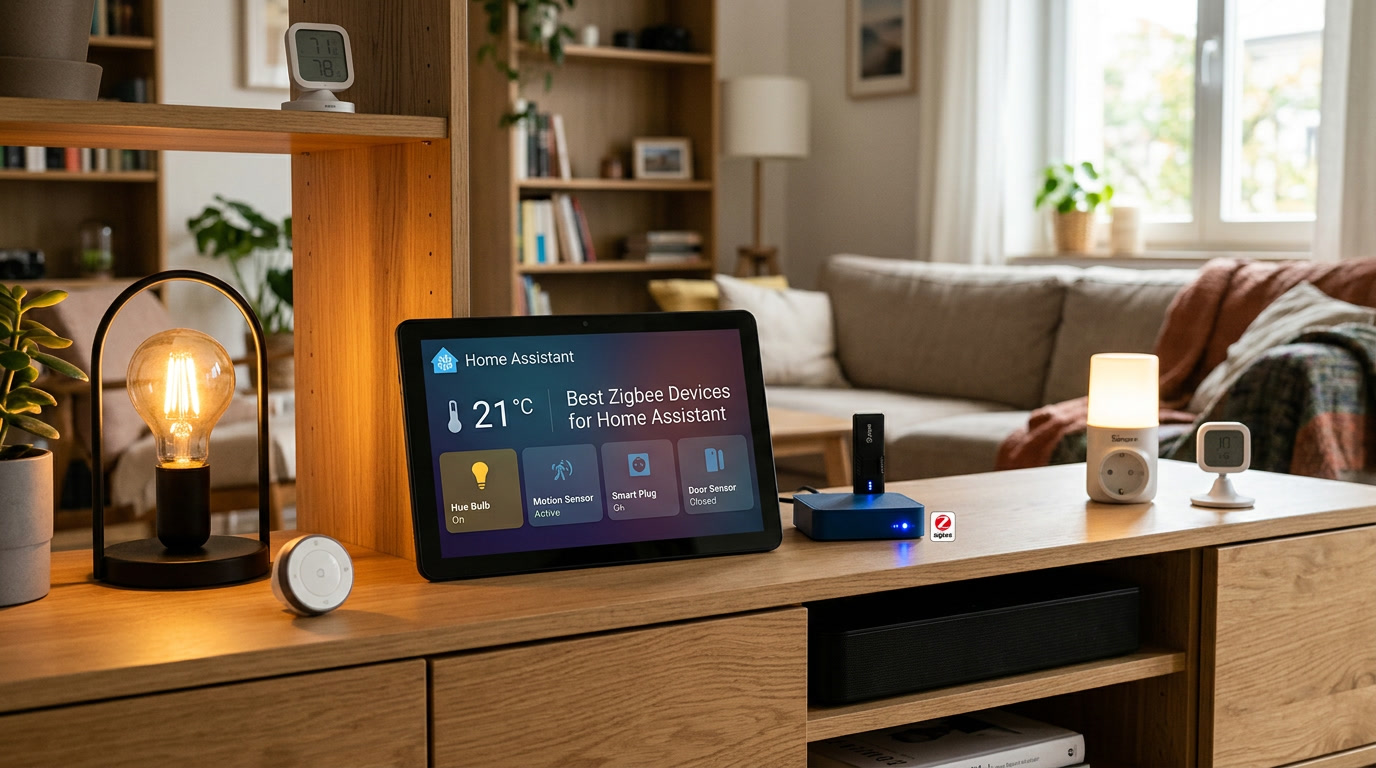
After several years of slowly building out a Zigbee-based setup, I have accumulated a fairly honest sense of which devices earn their keep and which ones end up quietly replaced within a year. Some categories have been rock solid from day one. Others looked great on paper but caused more troubleshooting than they were worth. This guide is my genuine take on which types of Zigbee devices are worth prioritizing when building a smart home solution around Home Assistant, based on real usage rather than marketing claims.
I want to be upfront about something: I am intentionally focusing on categories and what to look for within each one, rather than pushing you toward one specific model number that might be discontinued or updated by the time you read this. Zigbee hardware changes fast, but the underlying principles of what makes a good device barely change at all, and that is far more useful information long term.
Why Zigbee Devices Specifically, Rather Than Wi-Fi
Before getting into categories, it is worth briefly explaining why so many experienced Home Assistant users lean toward Zigbee for a significant chunk of their smart home solution rather than relying entirely on Wi-Fi devices. Zigbee devices form a self-healing mesh network, meaning powered devices relay signals for battery-powered ones, and the network generally gets more reliable as you add more devices rather than more congested. Wi-Fi devices, by contrast, each individually compete for bandwidth on your main router, and a household with dozens of them can genuinely start to strain a typical home network.
This does not mean Wi-Fi devices are bad — some categories, like video doorbells, generally work better over Wi-Fi anyway. But for sensors, switches, and smaller peripheral devices, Zigbee tends to be the more scalable, more battery-friendly long-term choice.
Motion and Presence Sensors
This category has consistently been one of the most reliable and genuinely useful parts of my entire setup. A good motion sensor should have a fast response time, a reasonable battery life measured in months rather than weeks, and ideally include a secondary sensor like lux or temperature readings bundled into the same device.
What I have learned to look for specifically is a sensor with adjustable sensitivity and re-trigger timing, since the default settings on some budget models can feel either overly twitchy, constantly firing false triggers, or frustratingly slow to notice genuine movement. Reading community reviews specific to Home Assistant compatibility, rather than generic retail reviews, tends to surface this kind of practical detail that manufacturer marketing pages conveniently leave out.
Contact Sensors for Doors and Windows
Small, unassuming, and genuinely one of the best value categories in the entire Zigbee ecosystem. A quality contact sensor reports state changes almost instantly and typically runs for well over a year on a single small battery. I have contact sensors in my setup that have been running continuously for years without a single false trigger or dropped connection, which says a lot about how mature this particular device category has become.
The main thing worth checking before buying is physical size and mounting style, since some sensors are quite bulky and visually obvious on a door frame, while others are compact enough to be nearly invisible once installed. If aesthetics matter to you, checking actual dimensions before purchasing saves a mismatched expectation later.
Smart Plugs as Mesh Repeaters
I mentioned in a previous guide how important powered devices are for strengthening your overall Zigbee mesh, and smart plugs are often the easiest, most affordable way to add strategic repeaters throughout your home. Beyond their repeater function, they are also genuinely useful in their own right, letting you convert ordinary lamps, fans, or small appliances into controllable, automatable devices without any rewiring.
Look specifically for plugs that report energy usage if that matters to you, since not every model includes this feature despite otherwise looking similar. Energy-reporting plugs add real value for anyone interested in understanding which devices in their home are actually consuming meaningful electricity throughout the day.
In-Wall Switches
For anyone comfortable with basic electrical work, or willing to hire an electrician for a straightforward switch replacement, in-wall Zigbee switches offer a noticeably cleaner result than smart plugs or bulbs alone. Rather than replacing individual bulbs throughout a room, a single switch replacement controls the existing fixture while also functioning as another powered repeater strengthening your mesh.
The main consideration here is compatibility with your home’s existing wiring, particularly whether a neutral wire is present at the switch location, since some models require one and others do not. Checking this detail before purchasing avoids a frustrating situation where a switch arrives and simply cannot be installed in your specific wiring setup.
Smart Bulbs
Smart bulbs are probably the most visually exciting category, and understandably so, given how much they can transform a room’s ambiance. That said, I have had a more mixed experience here than with sensors or plugs. Bulb quality genuinely varies quite a bit between manufacturers, particularly around color accuracy, dimming smoothness at very low brightness levels, and how gracefully a bulb resumes its previous state after a power interruption.
My honest advice is to buy a single bulb from any brand you are considering before committing to an entire room or house full of them. This small upfront step has saved me from a couple of disappointing bulk purchases over the years, where a bulb looked great in marketing photos but behaved inconsistently once actually installed and automated.
Water Leak Sensors
This is a category that rarely gets discussed with the same enthusiasm as lighting or cameras, but it consistently ranks among the most valued devices by long-term smart home owners for good reason. A leak sensor sitting quietly under a sink or near a water heater does nothing dramatic for months or years, right up until the one moment it prevents a genuinely costly disaster by alerting you the instant water is detected.
Look for a sensor with both an audible local alarm and a Home Assistant notification capability, since a local alarm can alert someone physically present in the home even faster than a phone notification might reach them.
Temperature and Humidity Sensors
Small, inexpensive, and surprisingly versatile once integrated into a broader smart home solution. Beyond simply displaying a number on a dashboard, these sensors become genuinely useful triggers for automations — running a dehumidifier automatically past a certain humidity threshold, or alerting you if a room’s temperature drops unexpectedly low during a winter power outage while you are away.
Battery life varies meaningfully between models in this category, so checking real user feedback specific to battery longevity, rather than manufacturer claims alone, is worth the extra few minutes of research.
Buttons and Remote Controllers
A simple, physical Zigbee button placed near a bed, a front door, or a favorite chair remains one of the most underrated additions to a growing smart home solution. Not every household member wants to open an app or speak a voice command for a quick action, and a dedicated physical button solves that friction elegantly. Many models support multiple press patterns — single press, double press, long hold — allowing one small device to trigger several different automations depending on how it is pressed.
What I Have Learned to Avoid
A few categories have consistently disappointed me enough that I now approach them with real caution. Extremely cheap, unbranded sensors purchased purely on price have occasionally exhibited unreliable reporting or premature battery drain within a matter of weeks. Devices with little to no community documentation or user feedback specific to Home Assistant compatibility are also a gamble, since Zigbee implementation quality genuinely varies between manufacturers despite all technically using the same underlying standard.
My general rule at this point is to spend a few extra minutes searching for real user experiences specific to Home Assistant compatibility before purchasing anything new, rather than trusting generic retail reviews that often reflect a completely different smart home platform’s experience.
Building a Balanced Zigbee Device Lineup
Rather than chasing the single “best” device in isolation, the households who end up genuinely satisfied with their setup tend to build a balanced mix: a handful of strategically placed powered devices strengthening the mesh, reliable contact and motion sensors covering security basics, and a few genuinely well-reviewed bulbs or switches in the rooms where ambiance matters most. This balanced approach tends to outperform an unbalanced collection of exciting but poorly integrated gadgets every time.
Final Thoughts
The best Zigbee devices for a Home Assistant setup are not necessarily the newest or most feature-packed options on the shelf. They are the ones that quietly do their job, month after month, without requiring constant troubleshooting or premature replacement. Prioritize reliability and genuine Home Assistant compatibility over flashy marketing claims, build your mesh thoughtfully with a mix of powered and battery devices, and your smart home solution will end up feeling remarkably stable rather than a constant maintenance project.